
Do AI meeting notes upload the original recording?
No. When you choose to generate a note, Bitbook uses transcript text as the AI input, not the original audio recording.
BITBOOK · PRIVATE AI MEETING NOTES
Keep the recording and transcript in your desktop workflow, then use AI only when you want help turning reviewed transcript text into a summary, decisions, or follow-ups.
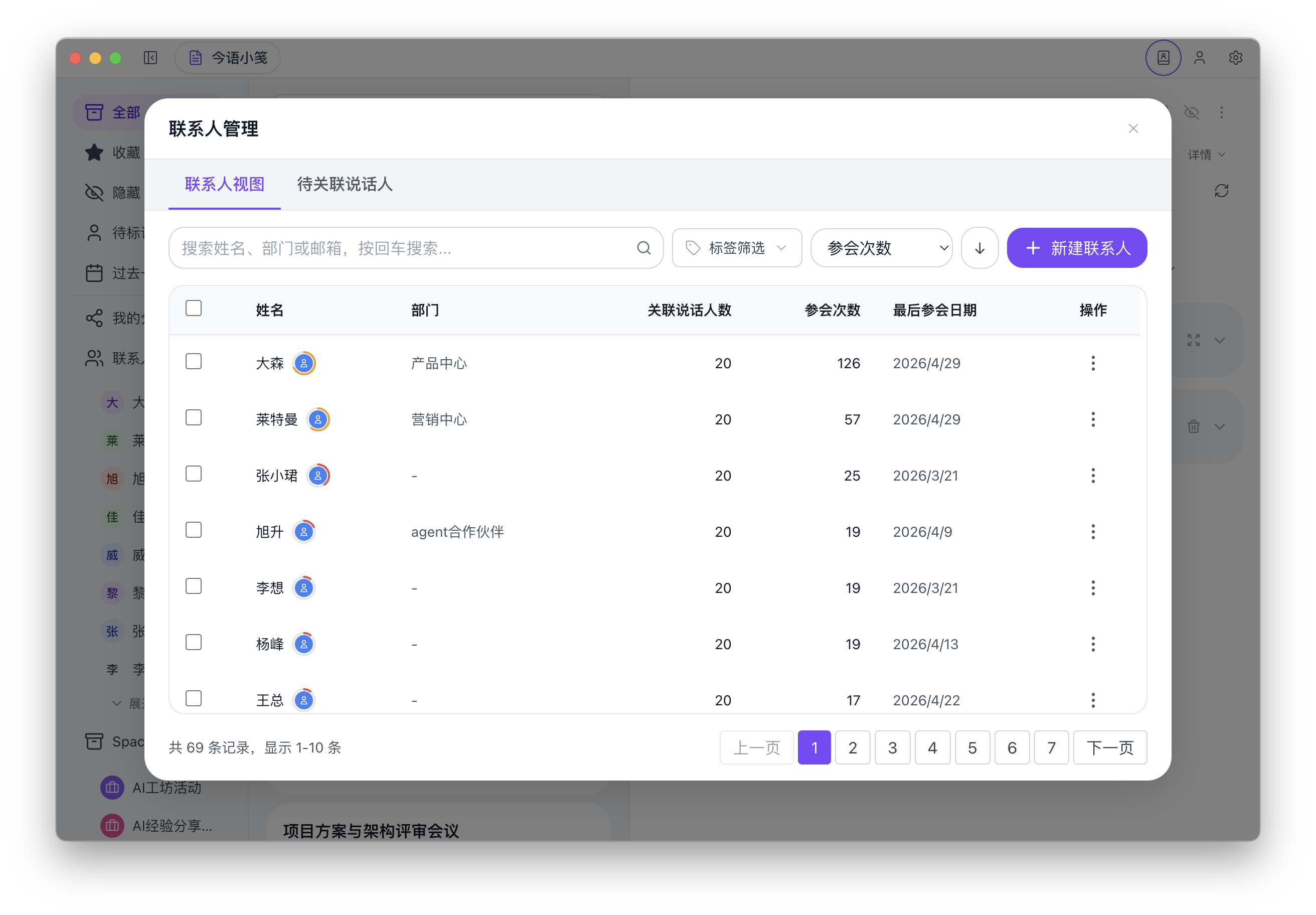
Product screenshot. The current desktop interface is primarily in Chinese; the recording, transcription, and review workflow shown here is the same workflow described on this page.
WHAT STAYS UNDER YOUR CONTROL
The original audio is not uploaded for AI note generation. The optional AI step works from transcript text.
Use the transcript as the source of truth, correct it if needed, and generate notes when the meeting is ready.
For interviews, customer research, legal discussions, and leadership meetings, a deliberate review step helps keep sharing decisions visible.
No. When you choose to generate a note, Bitbook uses transcript text as the AI input, not the original audio recording.
Original recordings stay in the desktop workflow. Transcript text can be sent to the AI service you select when you choose to generate notes, so review that provider and your settings before use.