
Can I correct a meeting transcript before creating action items?
Yes. Review and correct the transcript and speaker context first, then generate a summary, decisions, and follow-ups when the meeting record is ready.
BITBOOK · TRANSCRIPTS AND ACTION ITEMS
A useful meeting note starts with evidence you can revisit. Bitbook keeps the recording and transcript together, so summaries, decisions, and follow-ups can point back to the conversation.
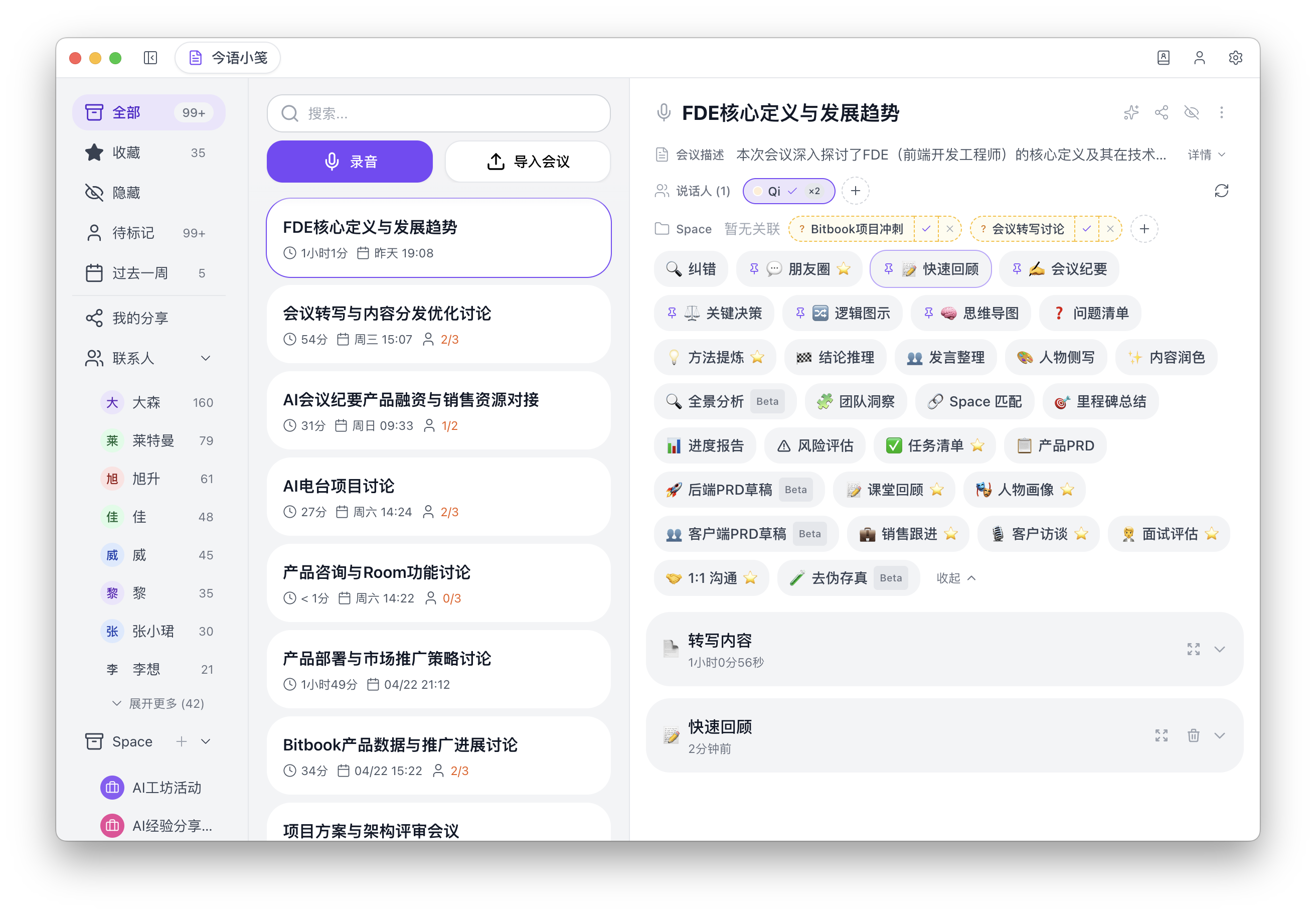
Product screenshot. The current desktop interface is primarily in Chinese; the recording, transcription, and review workflow shown here is the same workflow described on this page.
WHAT STAYS UNDER YOUR CONTROL
Review the text and speaker context before creating a summary, so the meeting record remains traceable to what was said.
Generate notes for key points, decisions, and follow-ups after you choose to use an AI note workflow.
The meeting transcript and note live in the same desktop workspace for later review, correction, and export.
Yes. Review and correct the transcript and speaker context first, then generate a summary, decisions, and follow-ups when the meeting record is ready.
Yes. Bitbook lets you export notes and text when you choose to share the meeting outcome.