
Does Bitbook invite a bot into the meeting?
No. Bitbook records from your desktop and does not need to join the meeting as a participant or send a recording bot invitation.
BITBOOK · BOT-FREE MEETING RECORDER
Bitbook records from your computer instead of joining a meeting as a participant. Keep control of when recording starts, what stays local, and what you share after the meeting.
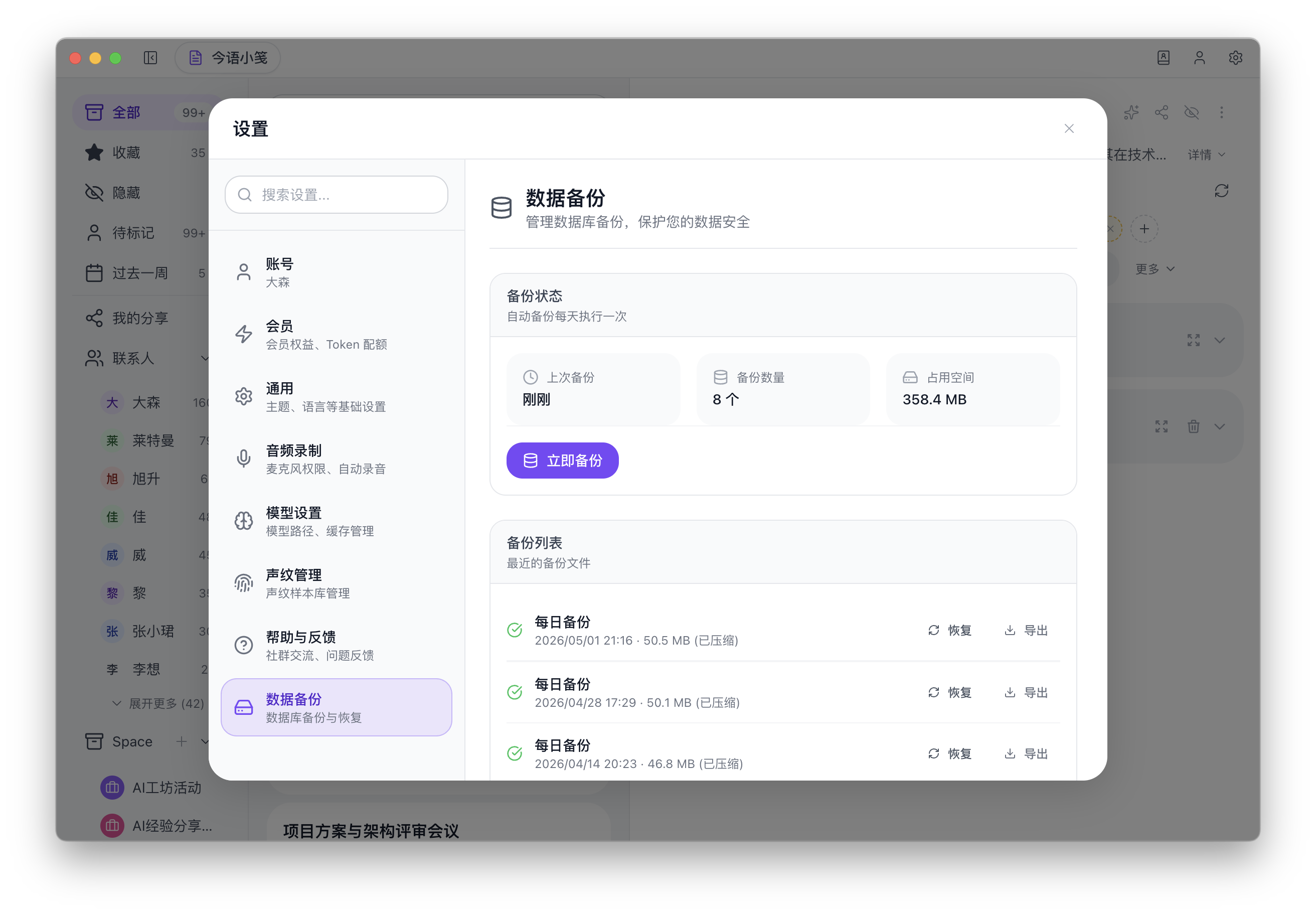
Product screenshot. The current desktop interface is primarily in Chinese; the recording, transcription, and review workflow shown here is the same workflow described on this page.
WHAT STAYS UNDER YOUR CONTROL
Bitbook does not need to appear as a meeting participant to record your local meeting workflow.
Use desktop recording for meeting audio and microphone audio, including meetings that start from supported platforms or manually started sessions.
The recording, transcript, and notes remain connected in one desktop workspace so you can review context after the call.
No. Bitbook records from your desktop and does not need to join the meeting as a participant or send a recording bot invitation.
Bitbook records system audio and microphone audio in the desktop workflow. It can start recording automatically for supported meeting platforms, and you can start recording manually for other meetings.