
What is local meeting transcription?
With local transcription selected, Bitbook creates the meeting transcript on the computer where you recorded the meeting, so you can review the text before deciding what to share.
BITBOOK · LOCAL TRANSCRIPTION
Bitbook records a meeting and creates its working transcript on your desktop. Search the text, review speakers, correct details, and decide what should leave your computer.
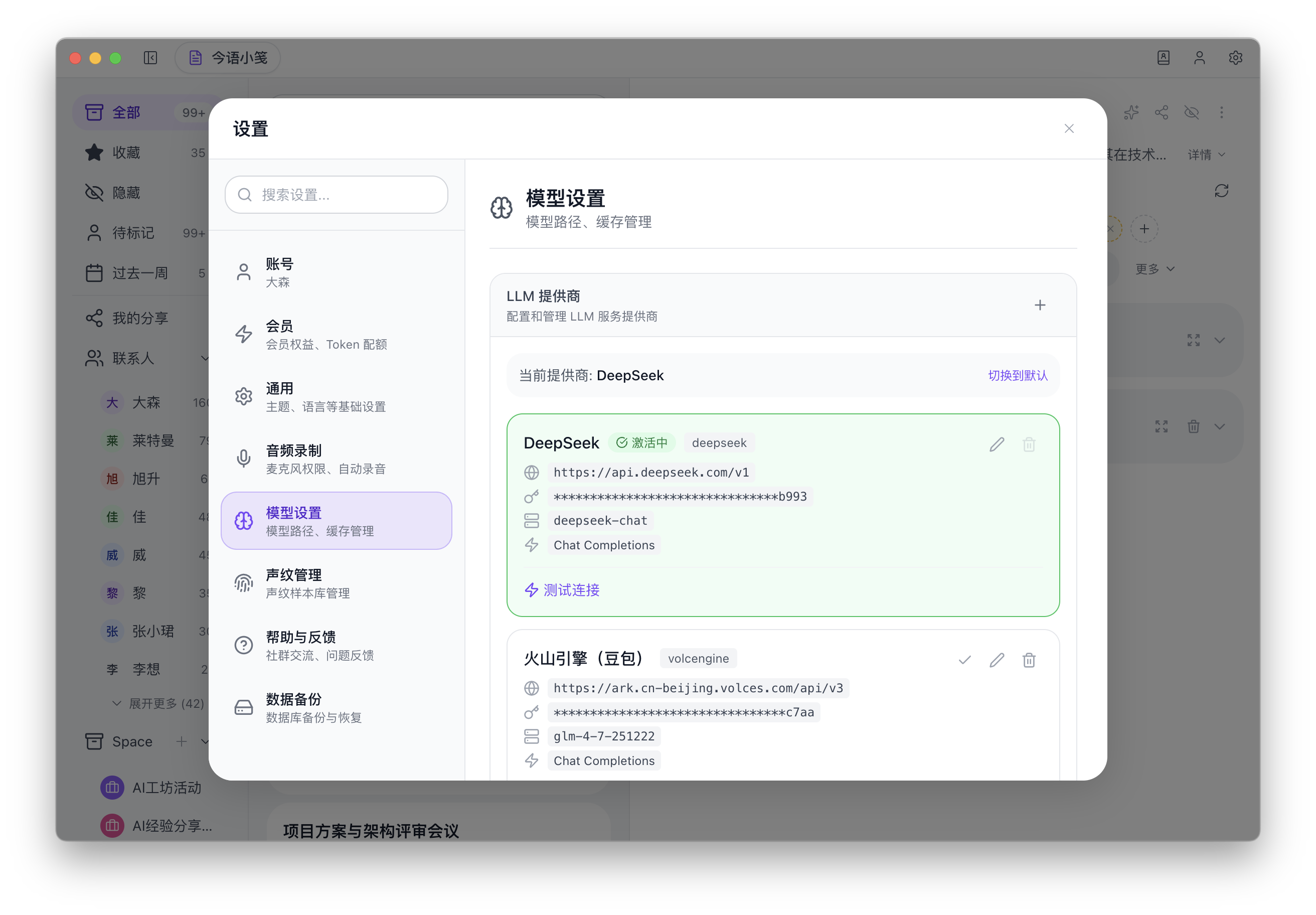
Product screenshot. The current desktop interface is primarily in Chinese; the recording, transcription, and review workflow shown here is the same workflow described on this page.
WHAT STAYS UNDER YOUR CONTROL
Read and correct the transcript before you decide whether a summary or action list is useful for the meeting.
Bitbook can keep speaker identities connected across meetings and lets you review or adjust those labels.
Export notes and text only when you choose to share them; local transcription does not require sending original audio to an AI service.
With local transcription selected, Bitbook creates the meeting transcript on the computer where you recorded the meeting, so you can review the text before deciding what to share.
Bitbook also provides an optional cloud transcription choice. Select local transcription when you want the transcript to be created on your computer, and review the selected provider before using a cloud option.